Help centre › Daily work
Sell products (POS)
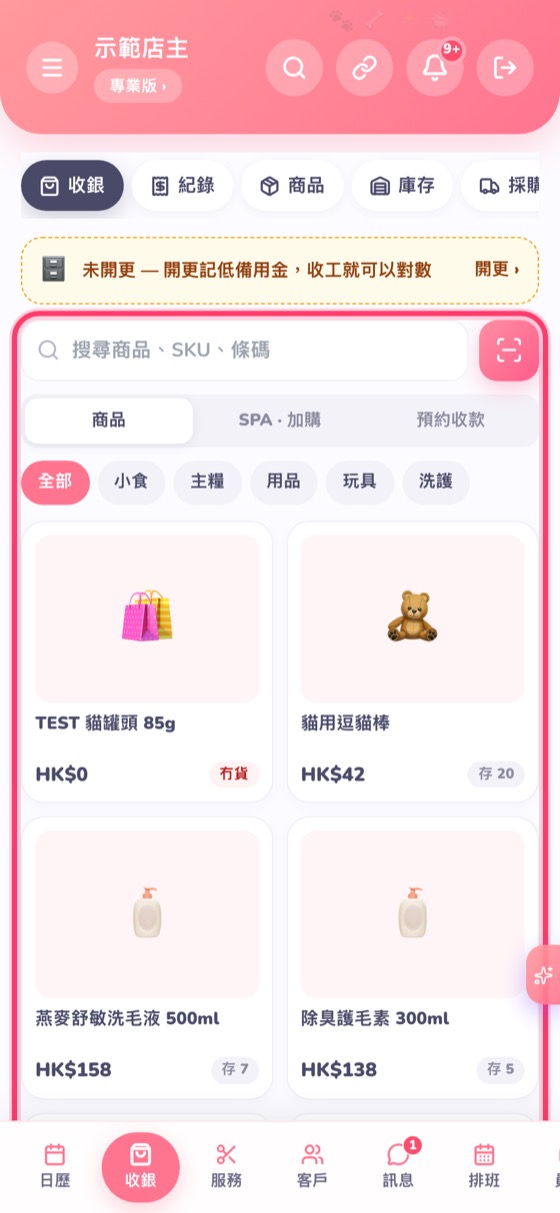
On the POS, tap a product or scan a barcode → collect payment.
- Go to POS. Tap products to add them to the cart, or tap Scan to scan a barcode with the camera or a scanner.
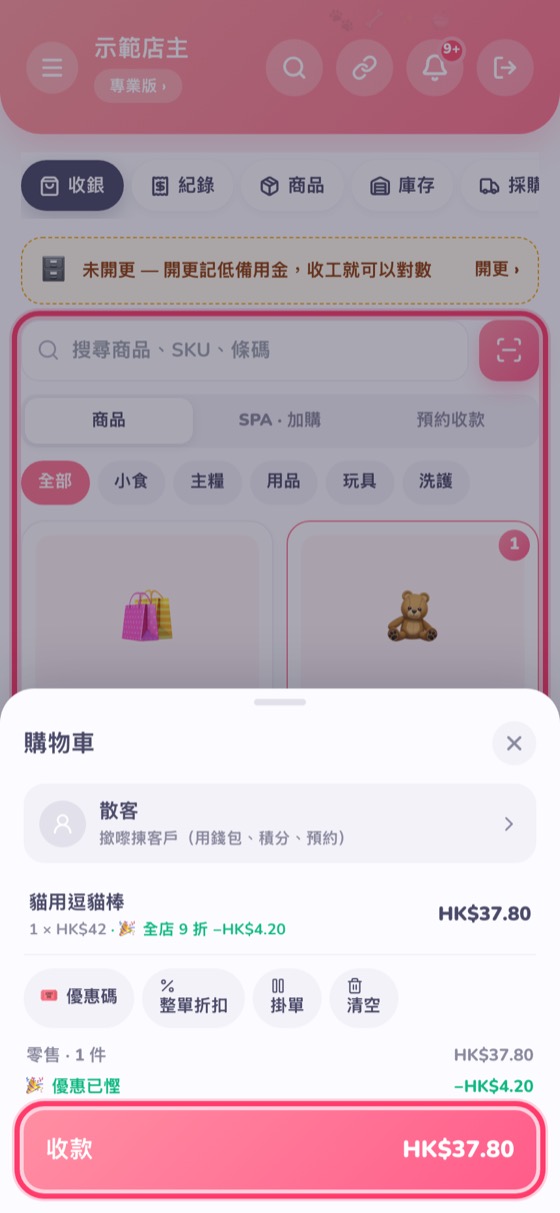
- Tap View cart at the bottom: you can choose a customer (to earn points or use their wallet), give a discount, enter a promo code or park the sale.
- Tap Collect, choose the payment method and confirm.
When you open in the morning, open a Shift to record the float, and count the cash when you close (Pro plan and up).