Help centre › Daily work
Revenue and reports
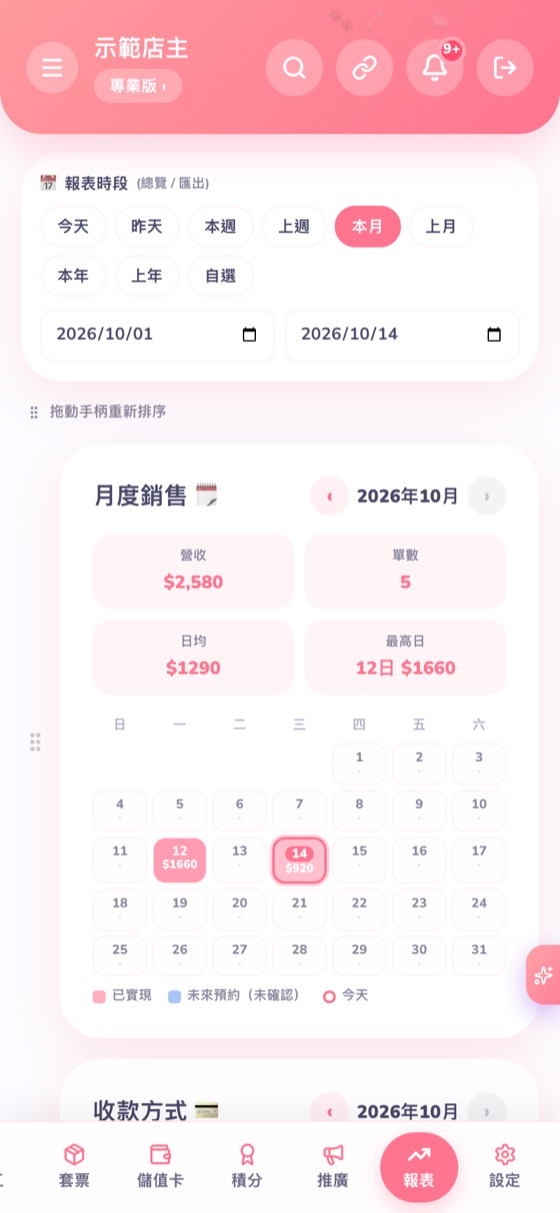
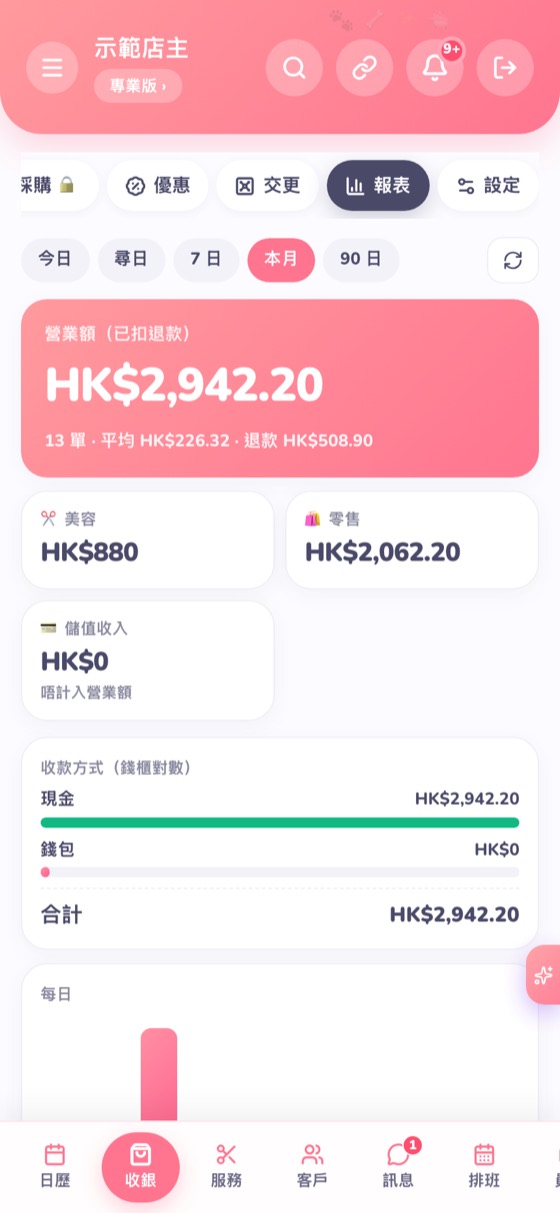
“Reports” shows monthly sales; POS → Reports shows payment methods for cashing up.
- Tap Reports at the bottom: choose today, this week, this month and so on to see revenue, bookings and a daily sales calendar.
- POS → Reports: revenue after refunds, split into grooming and retail; the payment-method totals help you check the till. Bookings paid without the POS are included too.
← Sell products (POS) · Set up services and prices in 3 minutes (templates) →