Help centre › Daily work
Before/after photos and reports
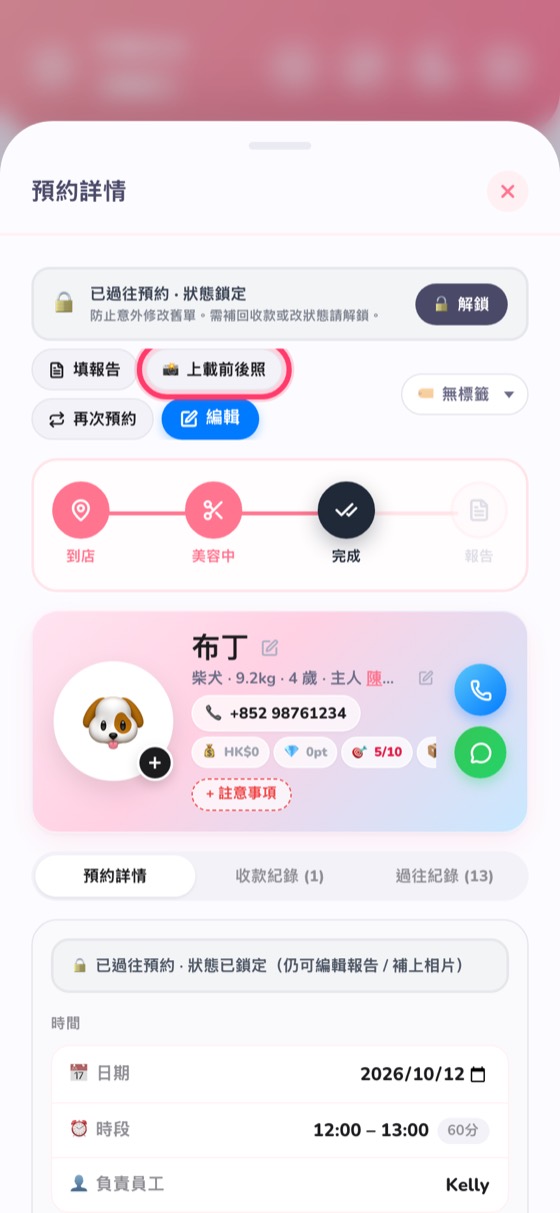
When you're done, tap “Upload before/after photos” and send them to the owner on WhatsApp in one tap.
- In the booking details, tap 📸 Upload before/after photos — up to 4 per booking, and you can pick several at once.
- Tap Report to note how the groom went and any advice.
- Send the photos and report to the owner on WhatsApp in one tap; the owner can also download a before/after image with your shop's watermark.