Help centre › Daily work
Take payment without the POS
Use this if you don't have the POS, or the POS isn't available.
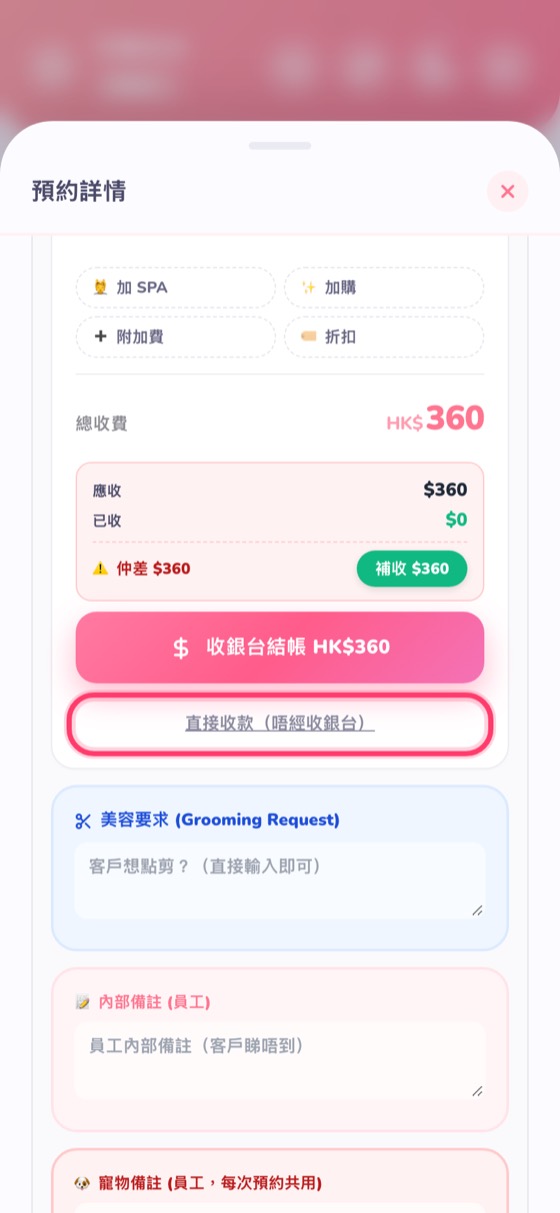
- In the booking details, tap Collect without POS. For shops without the POS this is simply the Collect button.
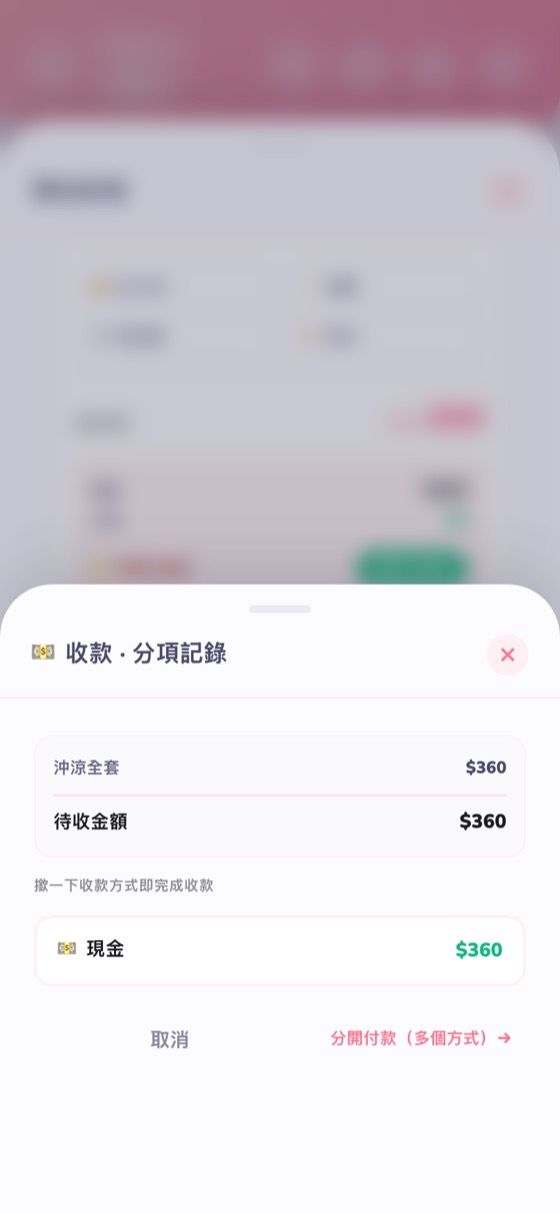
- Choose the payment method and amount; you can split across several methods. If the customer has wallet credit, the balance is shown and can be deducted.
- After confirming, the booking shows “Paid”.
Took the wrong amount? Payment history in the booking lists every payment; cancelling a payment records a refund and keeps the original record.