Help centre › First-time setup
WhatsApp booking confirmations
When a customer books online, a confirmation is sent from your shop's own WhatsApp number.
- First connect your WhatsApp under Settings → Messaging.
- In Meta WhatsApp Manager, create a Utility template named
booking_confirmationin your language. The template text can be copied in one tap from the settings page. - Once Meta approves it (usually a few minutes), come back, tick WhatsApp booking confirmation, enter the template name and save.
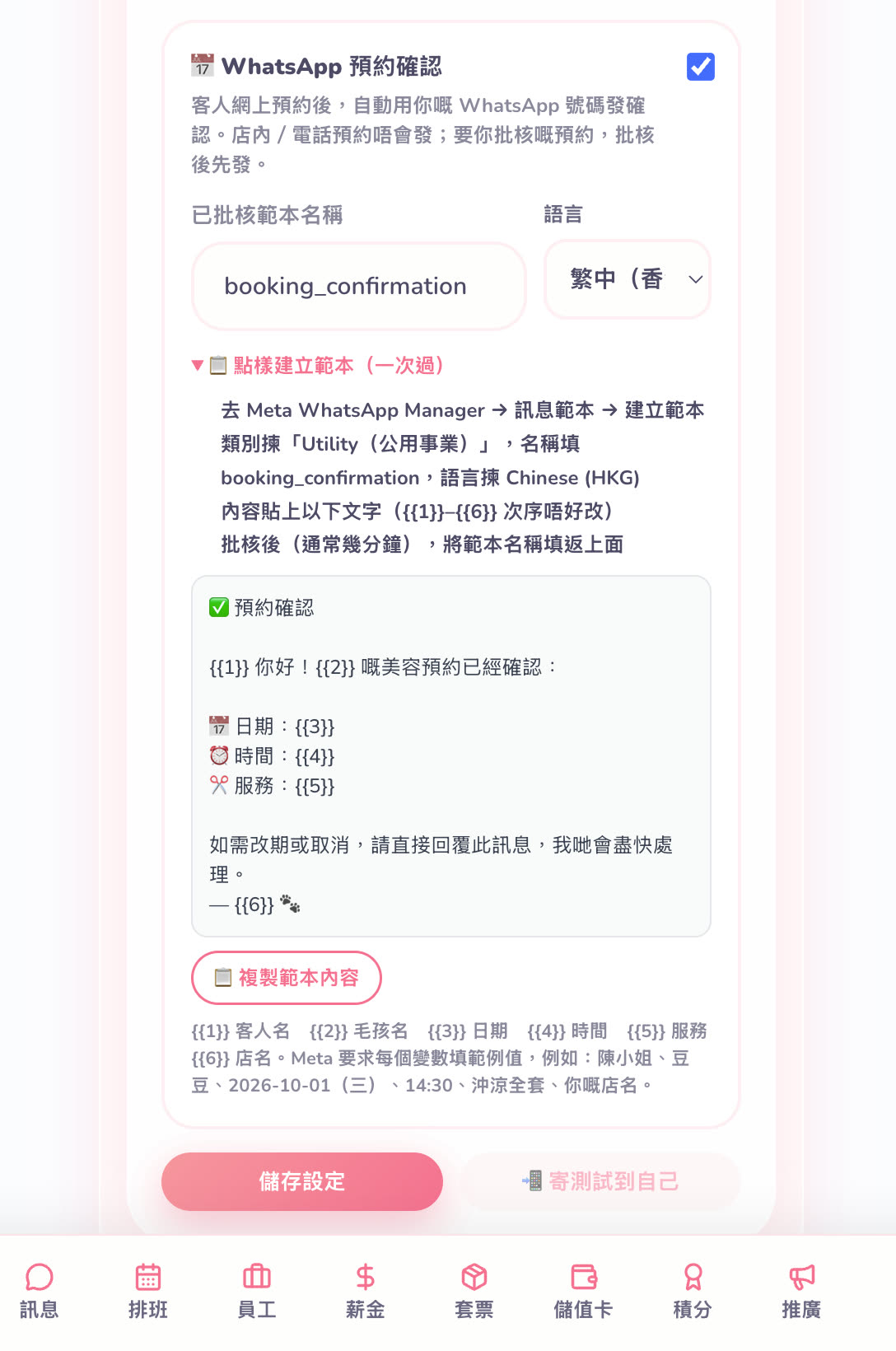
Confirmations are only sent for bookings customers make online themselves — not for bookings you enter or walk-ins.
← Share your booking link and QR code · Claim a shop that's already in the directory →